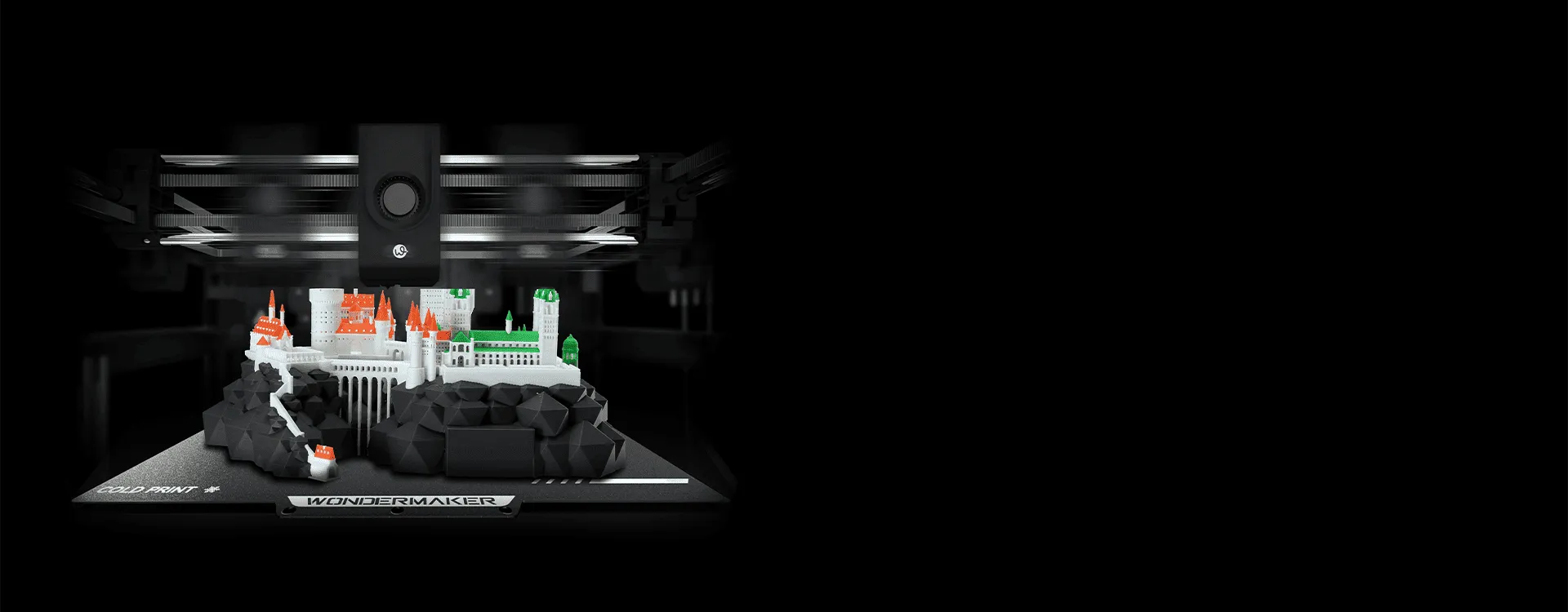
Single-extrusion additive manufacturing provides a dependable foundation for standard prototyping and component fabrication. However, single-head configurations encounter clear operational limits when projects require intricate internal geometries, temporary support structures, or functional multi-material properties. Transitioning to a multi-head architecture expands manufacturing capabilities by enabling simultaneous deployment of distinct filaments, variable nozzle sizes, or dedicated water-soluble support materials. Executing a successful multi head 3D printer upgrade involves more than simply mounting an additional hotend. It requires an understanding of toolhead configuration, material compatibility, calibration, and slicing strategies. This guide examines the fundamental technical requirements, practical considerations, and operational workflows necessary to upgrade to a multi-extrusion system efficiently.
Architectural Options for Multi-Material Fabrication
Upgrading to a multi-extrusion setup requires selecting a physical toolhead configuration suited to your specific print goals and frame capabilities. The three most common configurations are dual-nozzle single-carriage systems, Independent Dual Extrusion systems, and automated toolchangers. Dual-nozzle designs mount two hotends on a single carriage. This approach offers a compact footprint, but the added weight on the gantry can lower print speeds, and inactive nozzles may drag across fresh plastic layers. Independent Dual Extrusion systems place each hotend on a separate X-axis carriage, allowing inactive nozzles to park outside the active print area to reduce cross-contamination and oozing. Automated toolchangers utilize a docking system that swaps distinct toolheads onto a single master carriage, enabling maximum material versatility while requiring precise mechanical latching mechanisms.
Electrical and Hardware Integration Requirements
Multi-head 3D printers introduce additional considerations compared with single-extruder systems, particularly in toolhead management, independent heating, motion control, and software coordination. A well-integrated system needs to manage tool changes accurately while maintaining stable temperatures and coordinated movement throughout the print. For users working with multiple colors or materials, these capabilities can simplify the printing workflow without requiring hardware modifications to a standard printer. To maintain print accuracy and prevent vibrational artifacts like ghosting or ringing, the frame must feature rigid structural extrusions, quality linear motion guides, and properly tensioned timing belts. Power consumption also increases noticeably when performing a multi head 3D printer upgrade. Running two hotends simultaneously alongside a heated bed demands a power supply unit capable of delivering stable voltage under peak current draws. When evaluating a complete multi-head printer, users should confirm that its control system is designed to manage all toolheads, heating components, and sensors required by the machine.
Firmware Configuration and Spatial Offset Calibration
Hardware assembly represents only one portion of the conversion process; precise software configuration dictates final part accuracy. Control firmware platforms such as Marlin, Klipper, or RepRapFirmware must be compiled or updated to define the secondary toolhead parameters. The most critical step in this phase is calibrating the physical offsets along the X, Y, and Z axes. Because two hotends rarely sit at perfectly identical coordinates, the firmware relies on precise spatial offset measurements to position each nozzle accurately during tool changes. Operators perform alignment test prints featuring fine crosshair patterns, measure the displacement using calipers or visual gauges, and update the configuration files accordingly. Thermal sensor definitions and heater safety limits for the second toolhead must also be correctly configured to ensure safe operation.
Slicer Strategy and Material Pairings
Unlocking the full potential of multi-extrusion requires tailored slicing settings to ensure clean material boundaries and structural integrity. Slicing software controls essential features such as prime towers, purge blocks, and ooze shields. A prime tower is a temporary structure printed alongside the main object where the freshly activated nozzle purges lingering filament and stabilizes internal barrel pressure before depositing material onto the part. Material selection plays an equally vital role in successful multi-head printing. Combining rigid polymers like PLA or PETG with soluble support materials such as PVA allows complex overhangs and internal channels to be produced without manual tool marks. Additionally, pairing flexible materials like TPU with rigid structural plastics enables the production of composite, multi-durometer components within a single build process.
Modifying Existing Machines Versus Integrated Solutions
Deciding whether to retrofit an existing single-head printer or purchase a factory-integrated system depends on operational downtime, technical expertise, and precision requirements. Custom retrofits require significant time spent sourcing components, designing custom mounting brackets, routing wire harnesses, and troubleshooting custom firmware builds. For users requiring consistent production reliability without extensive setup time, purpose-built multi-head platforms offer an efficient alternative. Machines like the WonderMaker 3D ZR Ultra are engineered from inception to support multi-extrusion workflows. Platforms developed by WonderMaker 3D incorporate rigid gantry structures, optimized thermal management, pre-routed wiring, and factory-calibrated toolhead offsets. Choosing an integrated platform reduces setup friction and provides a stable foundation for demanding multi-material applications.
Maintaining Operational Stability in Multi-Head Printing
Sustaining reliable print quality across extended multi-extrusion builds requires regular maintenance and routine calibration. Physical hotend alignment should be inspected periodically to ensure both nozzles remain completely level relative to the build surface. A height variance of even a fraction of a millimeter can cause an inactive nozzle to strike the model, leading to layer shifts or detached prints. Mechanical components such as extruder drive gears, hotend heat breaks, and cooling fans require routine cleaning to prevent filament grinding and thermal creep. By establishing systematic calibration routines and maintaining tight mechanical tolerances, operators can maximize hardware uptime and achieve clean, high-precision results across all multi-material and multi-color printing projects.
